

Choosing between Seagate and Western Digital (WD) can be confusing when both brands offer external hard drives with similar storage capacities. You want enough space for your files, dependable performance, and a drive that fits your budget.
The short answer is that neither brand is automatically better for everyone. Seagate is worth considering when you want affordable storage or a high-capacity desktop drive. WD is also a strong option, especially if a particular model offers the features you need, such as password protection or included backup software. The better purchase depends on the exact model, price, warranty, and intended use.
For example, someone backing up family photos may need an affordable 4TB or 5TB portable drive. Someone editing large video files may benefit more from an external SSD than either brand’s traditional hard drive.
Let’s compare the important differences so you can make a practical buying decision.
Short Definition
Seagate and Western Digital (WD) both offer external hard drives for everyday storage and backups. Neither brand is universally better; the right choice depends on the specific model, price, capacity, warranty, and features you need.
Practical Tech Tip
Before buying, compare the exact Seagate and WD models rather than choosing by brand name alone. If you plan to store important files, keep a second backup on another drive or in a separate secure location.
These are general product-family differences, not a universal ranking. For example, Seagate’s Expansion Portable includes a limited warranty and Rescue Data Recovery Services on eligible configurations. WD’s My Passport offers features that can include hardware encryption and password protection, depending on the model.
Practical verdict: Compare two drives with similar capacities and intended uses. A feature-rich WD model may justify a higher price for one buyer, while a lower-priced Seagate model may be better value for another.
Which Brand Is More Reliable?
Neither Seagate nor WD can be declared the most reliable brand for every external hard drive. Reliability depends on the particular drive, how it is used, how it is handled, and how its data is protected.
A brand’s reputation can help you create a shortlist, but it cannot tell you exactly how long an individual drive will last.
What does reliability data tell us?
One useful source is Backblaze, a cloud storage company that publishes hard drive reliability statistics based on its own operations.
In its February 2026 report covering 2025, Backblaze reported an annualized failure rate of 1.36% across 344,196 hard drives and 30 models. These were drives used in its operational fleet, not a controlled comparison of Seagate and WD portable consumer products.
This distinction matters. A hard drive used in a data center may operate under different workloads, temperatures, maintenance routines, and environmental conditions than a portable drive carried between home, school, and work.
The report is useful for understanding how reliability is measured, but it cannot establish that every WD external drive will outlast every Seagate model.
What should you check before buying?
Look at these factors rather than relying only on brand reputation:
- The exact model: Compare reviews and specifications for the specific drive you plan to purchase.
- Warranty length: Check the written warranty for your model and country.
- Return policy: A clear return window can help if a new drive has a problem.
- Build and portability: Consider whether you will keep the drive on a desk or carry it frequently.
- Backup options: Think about how you will protect files if the drive stops working.
Also, pay attention to unusual clicking, repeated disconnections, or a drive that suddenly becomes inaccessible. These symptoms do not always prove the drive has failed, but they deserve attention.
If the drive contains important files, stop unnecessary use and avoid repeatedly trying to repair it. If the data is irreplaceable, professional data-recovery advice may be safer than experimenting with repair tools.
Does a longer warranty mean a more reliable drive?
Not necessarily.
A warranty describes the manufacturer’s coverage under specific conditions. It does not guarantee that the drive will never fail or that the manufacturer will recover your files.
A longer warranty can be useful, but you should also consider the price, capacity, service terms, and importance of the data you plan to store.
My recommendation: Choose the model with the strongest overall fit for your needs, then maintain a separate backup of important files. Neither brand eliminates the risk of data loss.
Speed and Storage Capacity Compared
When comparing Seagate versus Western Digital external hard drives, two specifications deserve close attention: storage capacity and connection speed.
However, a larger capacity does not automatically mean faster performance, and a newer USB connection does not guarantee that the drive itself can use its full potential.
How much storage do you need?
Your ideal capacity depends on the files you want to keep.
| Storage capacity | Suitable uses |
| 1TB–2TB | Documents, photos, schoolwork, and smaller backups |
| 4TB–5TB | Large photo collections, videos, and regular computer backups |
| 8TB or more | Large media libraries, extensive archives, and desktop storage |
These are general planning examples, not fixed capacity requirements. Your actual needs depend on the size of your existing files and how quickly they grow.
Remember that a drive advertised as 5TB will not show exactly 5TB of available space in every operating system. Differences in how storage is measured, formatting, and file-system overhead affect the displayed capacity.
For many beginners, a 4TB or 5TB portable drive offers a useful balance between capacity and convenience. If you expect to store many years of video footage, compare larger desktop models as well.
Is Seagate faster than WD?
There is no reliable universal answer.
Transfer performance depends on several factors:
- The exact hard drive inside the enclosure.
- The USB connection and the port on your computer.
- The size and number of files being copied.
- The amount of data already stored on the drive.
- The condition of the drive and the computer’s workload.
A traditional hard disk drive (HDD) stores data on spinning magnetic disks. It is generally slower when accessing many small files than a solid-state drive (SSD), which uses flash memory instead of spinning disks.
For large video files or photo archives, either brand’s HDD may provide adequate performance. For frequent editing, running applications, or moving large projects throughout the day, an external SSD may be a better fit. Independent technology reviews also distinguish HDDs’ lower storage cost from SSDs’ substantially faster performance.
What about USB 3.0 and USB 3.2?
USB specifications can be confusing because the names do not describe the entire performance of a storage device.
For example, WD’s My Passport 5TB listing specifies USB 3.2 Gen 1, with backward compatibility for USB 2.0. The product’s maximum connection rate does not mean the mechanical drive will transfer files at that rate continuously.
A USB 2.0 connection may also limit performance even when the drive supports a faster interface.
Buying tip: Check the connection on your computer, the included cable, and the drive’s specifications. If two comparable HDDs use similar interfaces, do not pay substantially more based only on a USB label without evidence of a meaningful performance benefit.
Price, Warranty, and Data Recovery
Price matters, but the cheapest external hard drive is not always the best overall value. Consider how much storage you receive, which features are included, and what support is available if something goes wrong.
What do Seagate and WD external hard drives cost?
Prices change with capacity, model, retailer, stock, and promotions. The following US listings provide examples rather than guaranteed offers.
| Example product | Capacity | Observed price |
| Seagate Portable External Hard Drive | 5TB | $199.99 lowest listed in-stock price on the tracker |
| WD My Passport External Hard Drive | 5TB | $284.99 at Best Buy |
The Seagate price was shown by HDD Live on its product page, while Best Buy displayed the WD price on its product listing. These listings were checked in October 2026; prices and availability can change.
At these example prices, the Seagate listing costs less. However, this is not a complete market-wide comparison or proof that Seagate is always cheaper. Before buying, confirm the exact model number, seller, shipping cost, return policy, and warranty terms.
You should also compare the features that matter to you. A higher-priced drive may include hardware encryption or backup software, while another may offer sufficient storage without those extras.
Is WD My Passport worth paying more for?
It can be, depending on your needs and the current price difference.
The listed WD My Passport 5TB model includes:
- USB connectivity.
- Backup software that requires downloading and setup.
- Hardware-based 256-bit AES encryption with password protection.
- A three-year limited warranty.
These features apply to the listed configuration, so check the specifications of the exact product you intend to buy.
Password protection and encryption can be useful when a portable drive contains personal documents or sensitive work files. However, you must understand how to manage the password and recovery options before relying on encryption.
If you only need extra space for replaceable media files, you may prefer to save money on a simpler drive.
What about Seagate Rescue Data Recovery Services?
Some eligible Seagate external drives include Rescue Data Recovery Services. These services can provide a recovery attempt under the applicable terms, but coverage is not universal across all models and regions.
For example, Seagate’s Expansion Portable product information lists Rescue Data Recovery Services and a limited warranty. The same page specifies regional warranty differences, which is why US buyers should check the US-specific terms for their exact product.
Before purchasing, check:
- Whether the exact model includes recovery coverage.
- How long the service remains available.
- What kinds of damage or loss are covered.
- Whether shipping or other costs may apply.
- Whether the service is available in your country.
Do not confuse recovery coverage with a normal hardware warranty. A replacement drive does not necessarily restore the files that were on the original drive.
For valuable files, keep another copy on a separate device or a suitable backup service. A recovery service is not a substitute for a backup plan.
Portable vs Desktop External Hard Drives
Seagate and WD both offer products for portable and desktop storage. The right type depends on whether you value mobility, large capacity, or a convenient permanent setup.
Portable external hard drives
Portable drives are generally compact and draw power through their USB connection.
They are useful for:
- Carrying documents between locations.
- Backing up a laptop.
- Storing photos and personal videos.
- Keeping an extra copy of important files away from your main computer.
Examples include Seagate Expansion Portable, WD My Passport, and WD Elements Portable.
Portable models are convenient, but their small size does not make them immune to damage. Dropping a mechanical HDD while it is operating can put its data at risk.
If you travel frequently, keep the drive protected in a padded case and disconnect it safely before packing it away.
Desktop external hard drives
Desktop drives are usually larger and may require a separate power adapter. They are designed for stationary storage rather than frequent travel.
Consider one if you need to:
- Store a large media library.
- Back up a desktop computer.
- Archive video projects.
- Expand storage without replacing your computer’s internal drive.
Seagate Expansion Desktop and selected WD desktop products are examples of this category. Seagate’s Expansion Desktop family offers capacities beyond those of its portable Expansion models.
A desktop drive can be a sensible option when you need more space, but check the power requirements and physical dimensions before buying.
Which should you choose? For a student or laptop owner, a portable drive is usually more convenient. For a home archive that stays beside a desktop computer, a desktop model may be more practical.
Windows, Mac, and Gaming Compatibility
A Seagate or WD external hard drive can be physically compatible with a computer but still require the right file system or setup before it works as expected.
Before purchasing, check the manufacturer’s compatibility information for your device and operating system.
Using an external drive with Windows
Many external HDDs are supplied in a format suitable for Windows computers. Models such as Seagate Expansion are designed for straightforward USB connection and support compatible Windows systems.
Seagate US
After connecting a new drive:
- Connect it directly to a suitable USB port.
- Wait for the operating system to recognize it.
- Open the file manager and confirm that the drive appears.
- Copy a small test file before transferring a large collection.
If the drive does not appear, check the cable, USB port, and operating system’s disk-management tools before assuming the drive has failed.
Important: If a drive already contains important files and Windows asks you to format it, do not immediately accept. The message can have several causes, including file-system corruption or an unsupported format. Formatting can make existing data harder to recover.
Using an external drive with a Mac
A drive that works with Windows may need a different file system for particular Mac tasks.
Apple documents APFS as a file system for Apple platforms and exFAT as an option that can support file sharing between compatible Windows and Mac systems. The correct format depends on how you intend to use the drive.
For example:
- Use a compatible format for sharing ordinary files between Windows and Mac.
- Check Apple’s current Time Machine requirements before selecting a drive for Mac backups.
- Confirm compatibility before using the drive with other devices.
Before reformatting a drive, copy any needed files to another location and verify that the copies open correctly. Formatting changes the drive’s file system and can erase its existing contents.
What about PlayStation and Xbox?
Do not assume that an external hard drive works for every gaming task simply because it connects through USB.
Console compatibility depends on the console generation, supported storage type, game requirements, and the purpose of the drive.
For example, a console may allow external storage for media or selected games while imposing different rules for running newer games. Check the official support page for your exact console before buying.
If you want one drive for both computer backups and gaming, confirm that both devices support your intended setup. Reformatting for one device may prevent the other from reading the drive without another change.
Common Mistakes When Buying an External Hard Drive
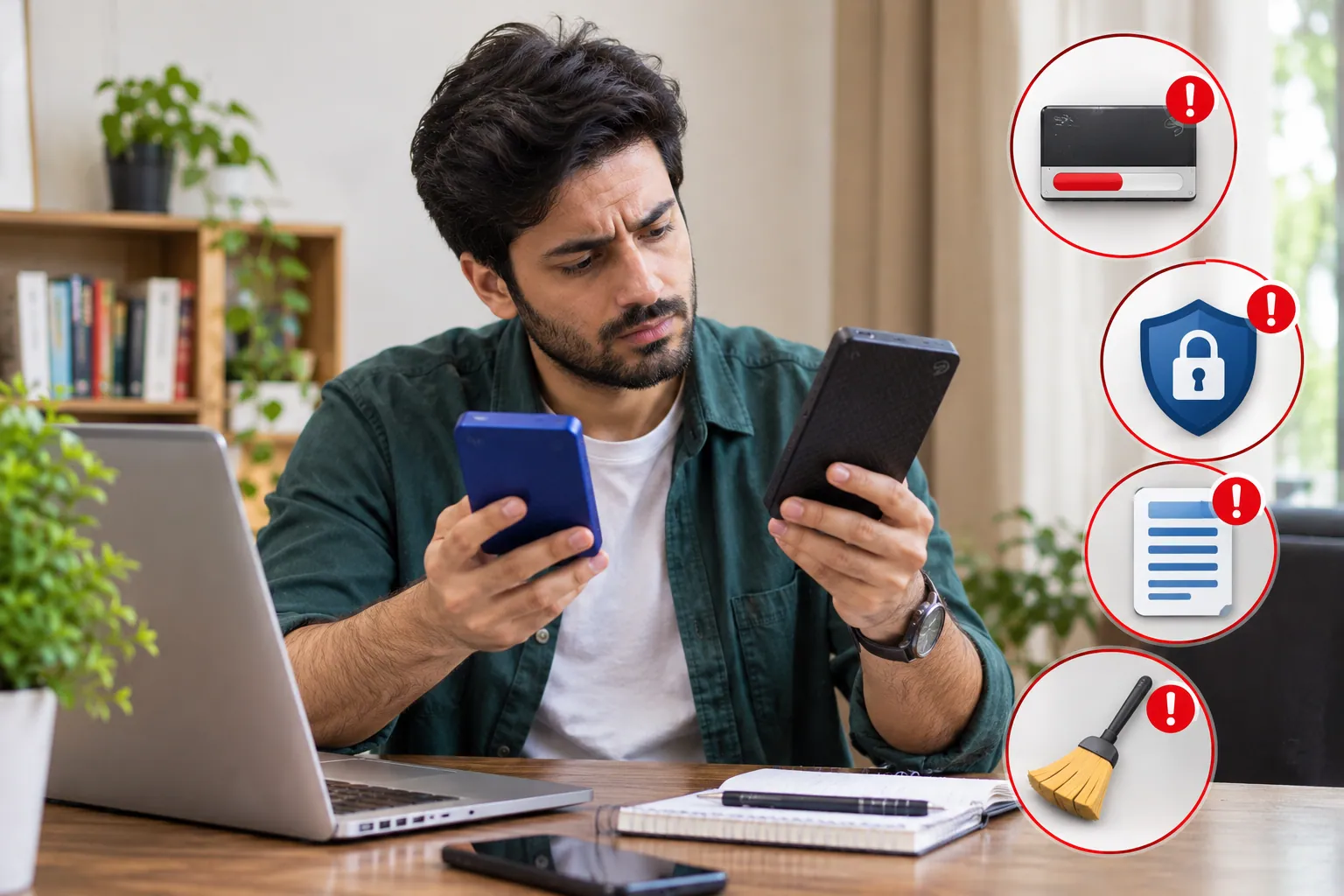 A little preparation can help you avoid spending money on the wrong drive or putting important files at risk.
1. Choosing a brand without comparing models
Seagate and WD sell multiple product families. Their features, capacities, warranties, and prices differ.
Compare the exact model numbers rather than assuming every product from one brand is better than every product from the other.
2. Buying too little storage
A drive that fits your current files may become cramped as your photo library, videos, and backups grow.
Estimate your existing storage needs and allow reasonable room for future files. If you regularly work with large video projects, compare larger-capacity options before making a purchase.
3. Treating a warranty as a backup
A warranty may cover eligible hardware problems, but it does not guarantee that your files can be recovered.
Keep important data in at least two separate locations. For irreplaceable files, consider a third copy stored separately from your main computer and external drive.
4. Ignoring encryption and password recovery
If your drive contains private files, encryption may help protect them if the drive is lost or stolen.
However, losing the password or recovery information can prevent access to the data. Set up protection carefully and keep recovery information in a secure place separate from the drive.
5. Formatting a drive without checking its contents
Formatting may erase the existing file system and make data recovery more difficult.
Before formatting, confirm that the drive is new or that any existing data has been backed up and verified. If you need files from a drive that suddenly requests formatting, stop and investigate the cause first.
Frequently Asked Questions
Are WD drives more reliable than Seagate?
There is not enough evidence to declare WD universally more reliable than Seagate across all consumer external hard drives. Reliability varies by model and use conditions. Compare relevant model-specific evidence, warranty terms, and support options, and keep separate backups of important files.
What is the most reliable brand of external hard drive?
No single brand guarantees the longest lifespan for every drive. Look for a suitable model with clear warranty terms, useful independent reviews, and the capacity and features you need. Protect important files with a separate backup regardless of which brand you choose.
Which brand of external hard drive is the best?
Seagate and WD are both worth considering. Seagate Expansion models may suit buyers looking for affordable or high-capacity storage, while selected WD My Passport models offer features such as hardware encryption and password protection. Compare the exact products and current prices before deciding.
Is Western Digital the same as Seagate?
No. Western Digital and Seagate are separate companies that make storage products. Both offer external hard drives, but their product families, software, service terms, and available features differ.
Final Buying Checklist
Before purchasing a Seagate or WD external hard drive, ask yourself these questions:
- Does the drive have enough storage for my files and future needs?
- Is it portable, or would a desktop model suit me better?
- Does it work with my computer or console?
- Is the price reasonable compared with a similar model?
- Have I checked the exact warranty and data-recovery terms?
- Do I need password protection or encryption?
- Do I have another copy of my important files?
The bottom line: Choose Seagate if its specific model offers the capacity, price, and coverage you want. Choose WD if its model provides better value for your particular needs or includes useful features you would otherwise have to buy separately.
Neither brand removes the risk of drive failure. The smartest purchase is the one that fits your devices and storage needs, backed by a sensible plan to protect your data.
Disclaimer
This article is for general informational purposes and does not guarantee the performance or reliability of any particular drive. Prices, warranties, recovery services, and features may vary by model, region, and retailer. Always check the manufacturer’s current specifications and compatibility requirements before purchasing.